> ## Documentation Index
> Fetch the complete documentation index at: https://multiwoven-74-feature--update-docker-compose-docs.mintlify.site/llms.txt
> Use this file to discover all available pages before exploring further.
# Core Concepts
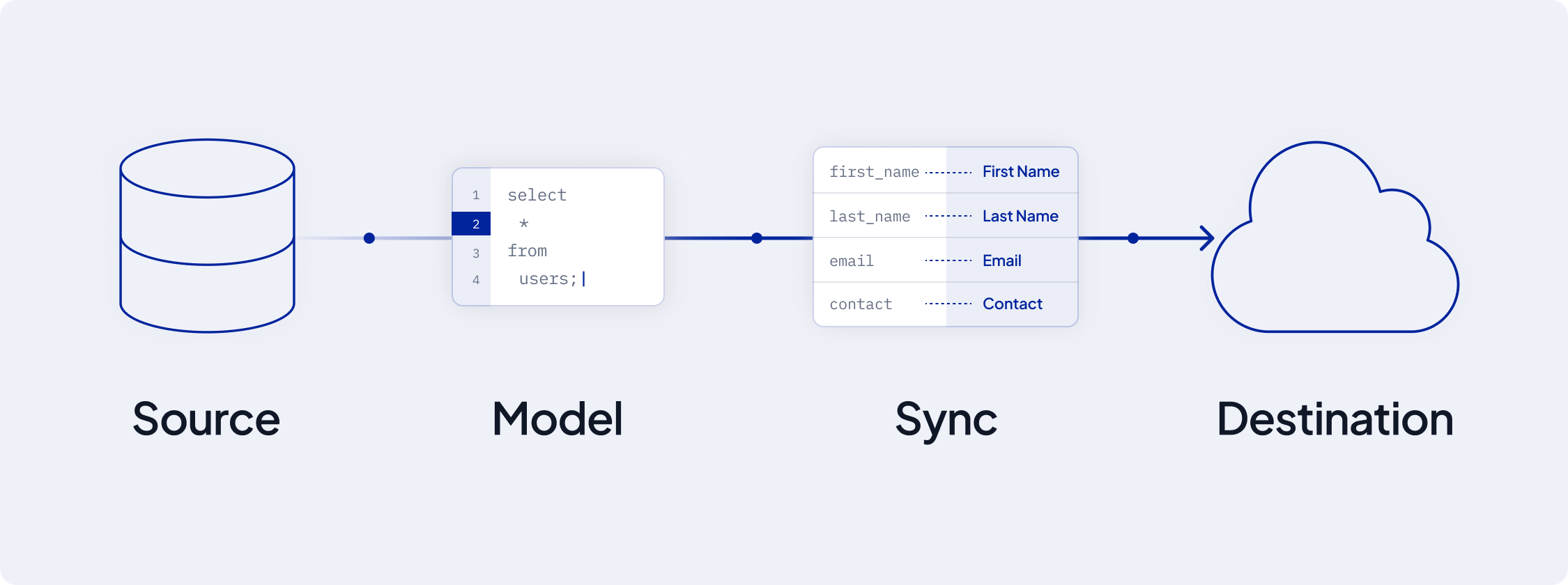
The core concepts of AI Squared are the foundation of your data journey. They include Sources, Destinations, Models, and Syncs. Understanding these concepts is crucial to building a robust data pipeline.
 ## Sources: The Foundation of Data
### Overview
Sources are the starting points of your data journey. It's where all your data is stored and where AI Squared pulls data from.
## Sources: The Foundation of Data
### Overview
Sources are the starting points of your data journey. It's where all your data is stored and where AI Squared pulls data from.
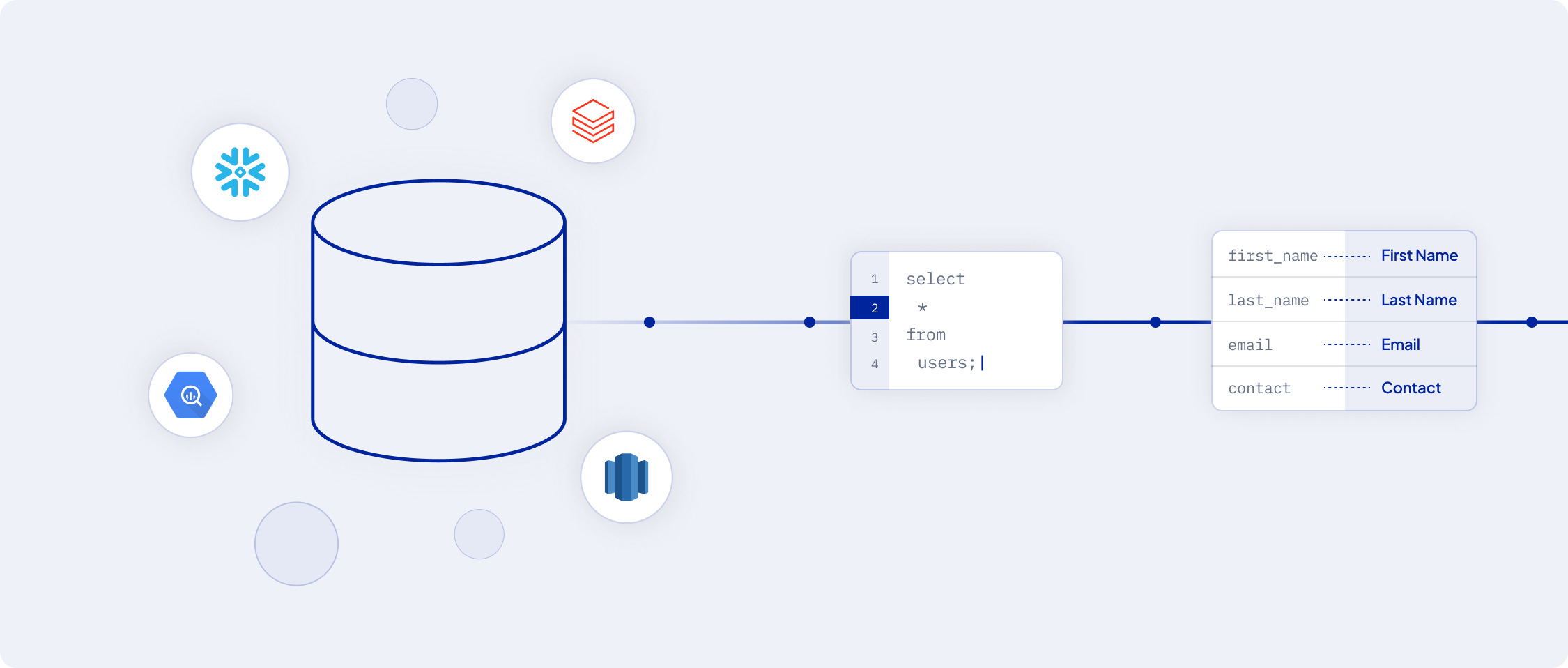 These can be:
* **Data Warehouses**: For example, `Snowflake` `Google BigQuery` and `Amazon Redshift`
* **Databases and Files**: Including traditional databases, `CSV files`, `SFTP`
### Adding a Source
To integrate a source with AI Squared, navigate to the Sources overview page and select 'Add source'.
## Destinations: Where Data Finds Value
### Overview
'Destinations' in AI Squared are business tools where you want to send your data stored in sources.
These can be:
* **Data Warehouses**: For example, `Snowflake` `Google BigQuery` and `Amazon Redshift`
* **Databases and Files**: Including traditional databases, `CSV files`, `SFTP`
### Adding a Source
To integrate a source with AI Squared, navigate to the Sources overview page and select 'Add source'.
## Destinations: Where Data Finds Value
### Overview
'Destinations' in AI Squared are business tools where you want to send your data stored in sources.
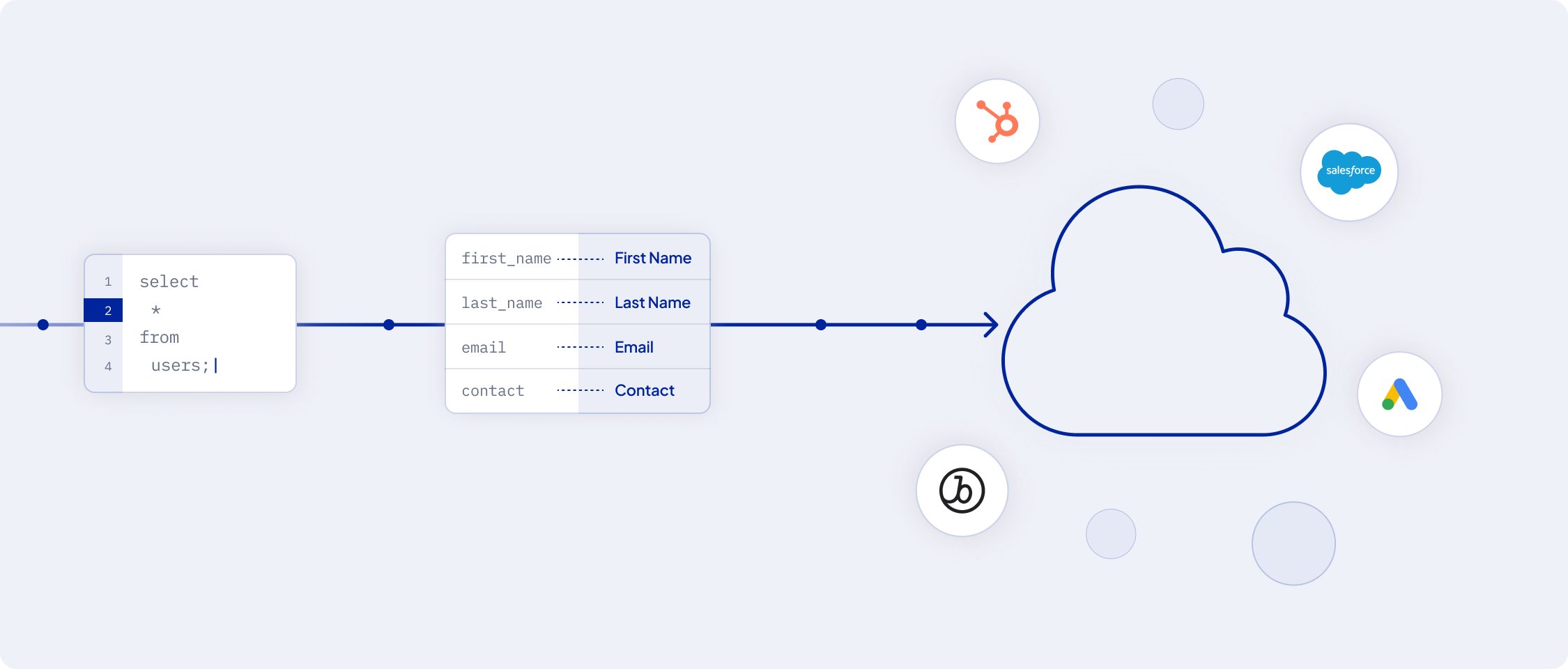 These can be:
* **CRM Systems**: Like Salesforce, HubSpot, etc.
* **Advertising Platforms**: Such as Google Ads, Facebook Ads, etc.
* **Marketing Tools**: Braze and Klaviyo, for example
### Integrating a Destination
Add a destination by going to the Destinations page and clicking 'Add destination'.
## Models: Shaping Your Data
### Overview
'Models' in AI Squared determine the data you wish to sync from a source to a destination. They are the building blocks of your data pipeline.
These can be:
* **CRM Systems**: Like Salesforce, HubSpot, etc.
* **Advertising Platforms**: Such as Google Ads, Facebook Ads, etc.
* **Marketing Tools**: Braze and Klaviyo, for example
### Integrating a Destination
Add a destination by going to the Destinations page and clicking 'Add destination'.
## Models: Shaping Your Data
### Overview
'Models' in AI Squared determine the data you wish to sync from a source to a destination. They are the building blocks of your data pipeline.
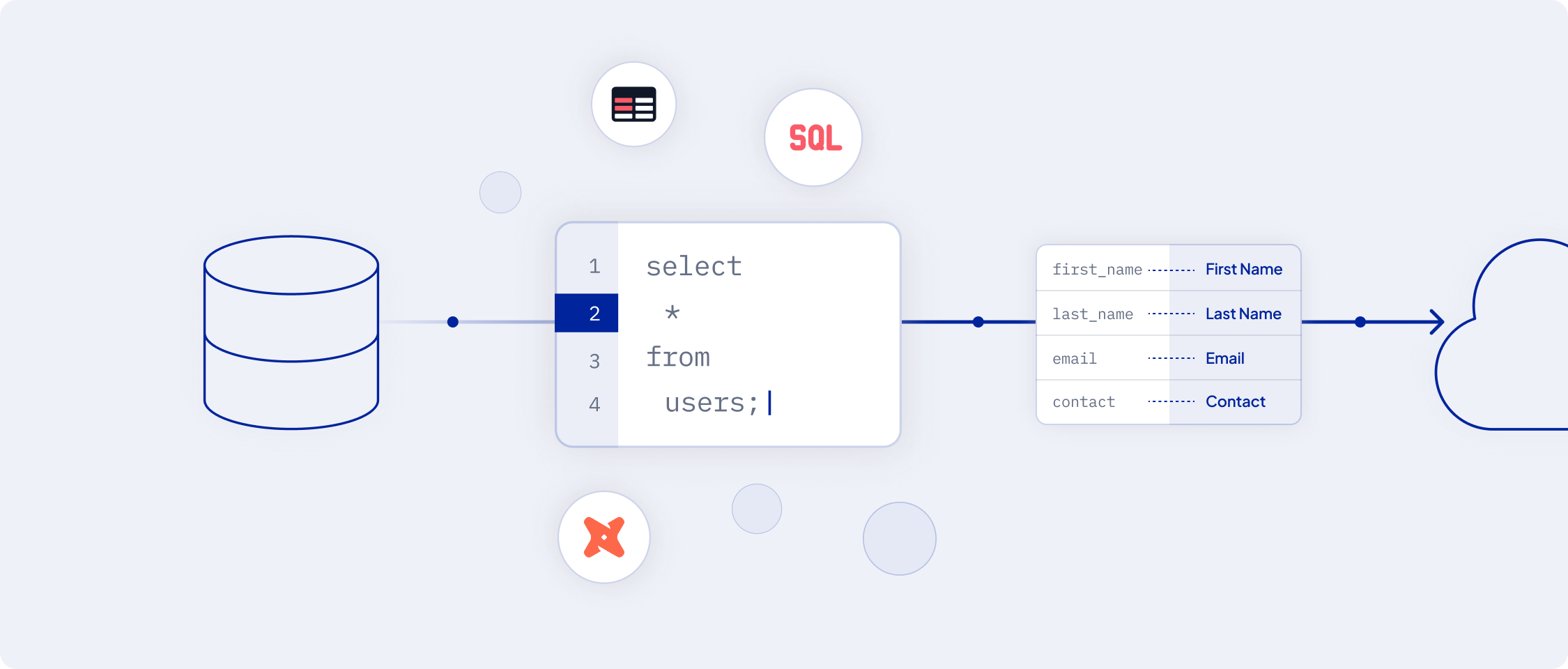 They can be defined through:
* **SQL Editor**: For customized queries
* **Visual Table Selector**: For intuitive interface
* **Existing dbt Models or Looker Looks**: Leveraging pre-built models
### Importance of a Unique Primary Key
Every model must have a unique primary key to ensure each data entry is distinct, crucial for data tracking and updating.
## Syncs: Customizing Data Flow
### Overview
'Syncs' in AI Squared helps you move data from sources to destinations. They help you in mapping the data from your models to the destination.
They can be defined through:
* **SQL Editor**: For customized queries
* **Visual Table Selector**: For intuitive interface
* **Existing dbt Models or Looker Looks**: Leveraging pre-built models
### Importance of a Unique Primary Key
Every model must have a unique primary key to ensure each data entry is distinct, crucial for data tracking and updating.
## Syncs: Customizing Data Flow
### Overview
'Syncs' in AI Squared helps you move data from sources to destinations. They help you in mapping the data from your models to the destination.
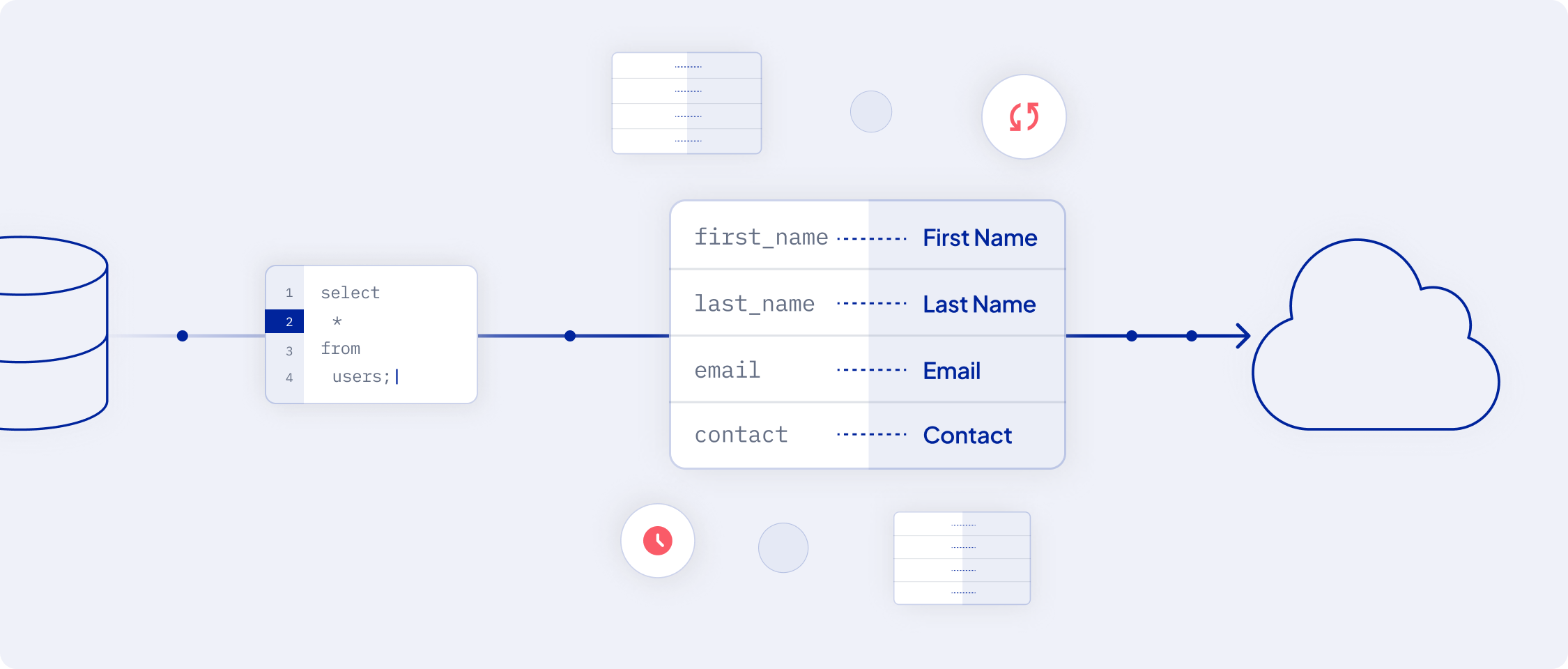 There are two types of syncs:
* **Full Refresh Sync**: All data is synced from the source to the destination.
* **Incremental Sync**: Only the new or updated data is synced.
There are two types of syncs:
* **Full Refresh Sync**: All data is synced from the source to the destination.
* **Incremental Sync**: Only the new or updated data is synced.