
AI Squared home page
Search...
⌘K
Book a Demo
Back to App
Back to App
Search...
Navigation
Destinations
Airtable
Home
Guides
Developer Tools
Open Source
Help & Resources
Troubleshooting
Releases
Guides
Core Concepts
Data Activation
Models
Syncs
Data Integration
Sources
Destinations
Salesforce
HubSpot
Zoho
Braze
CleverTap
Klaviyo
Iterable
Facebook Custom Audiences
Google Ads
Google Analytics
Mixpanel
Amplitude
Databricks
Zendesk
Intercom
Slack
Microsoft teams
Shopify
Facebook product catalog
Stripe
Salesforce Consumer Goods Cloud
Airtable
Google Sheets - Service Account
Microsoft Excel
SFTP
PostgreSQL
MariaDB
Oracle
HTTP
AI Activation
Models
Sources
Data Apps
Workspace Management
Security & Compliance
Security
On this page
Destination/Airtable
Overview
Prerequisite Requirements
Setup
Destinations
Airtable
Destination/Airtable
Overview
Airtable combines the simplicity of a spreadsheet with the complexity of a database. This cloud-based platform enables users to organize work, manage projects, and automate workflows in a customizable and collaborative environment.
Prerequisite Requirements
Ensure you have created an Airtable account before you begin. Sign up
here
if you haven’t already.
Setup
Generate a Personal Access Token
Start by generating a personal access token. Follow the guide
here
for instructions.
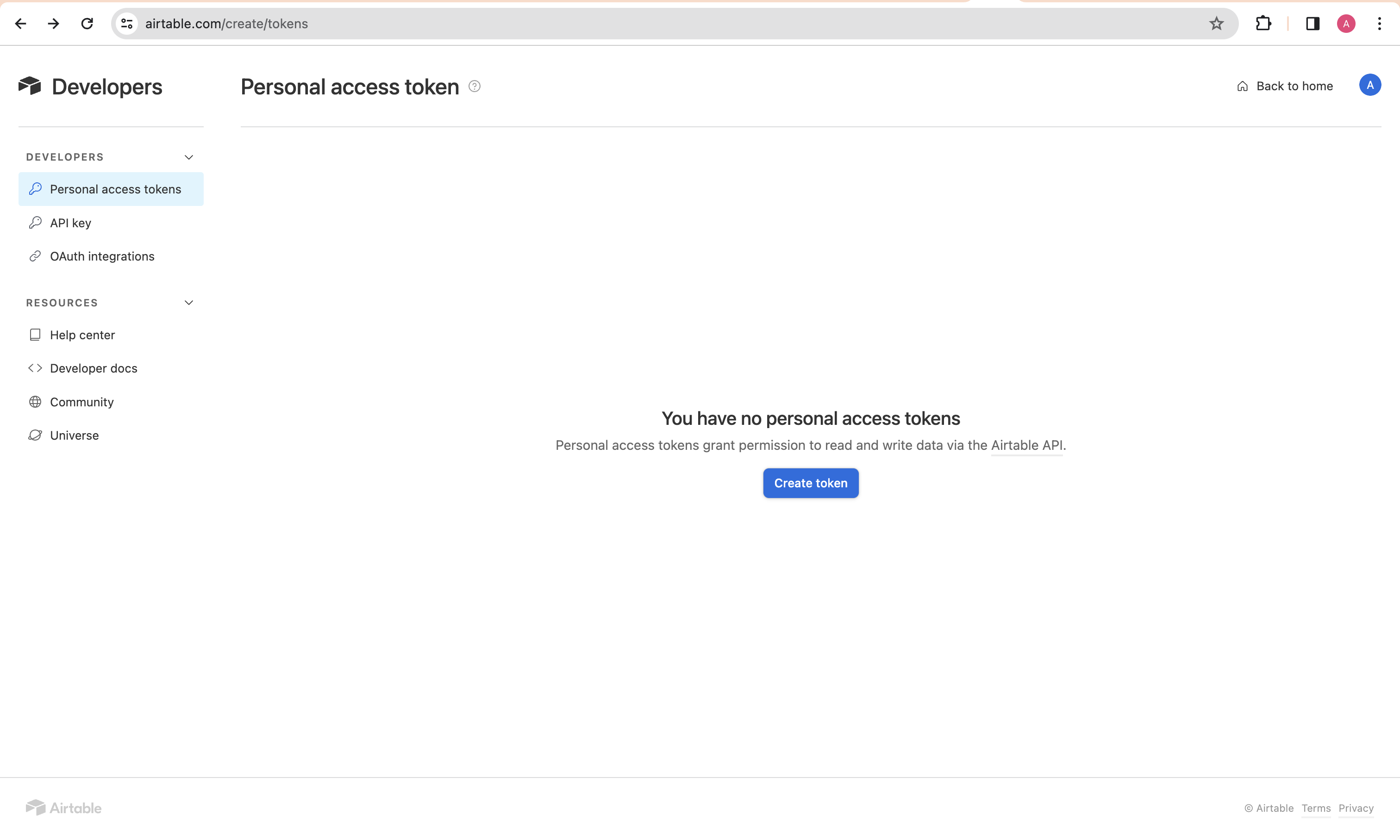
Grant Required Scopes
Assign the following scopes to your token for the necessary permissions:
data.records:read
data.records:write
schema.bases:read
schema.bases:write
Was this page helpful?
Yes
No
Suggest edits
Salesforce Consumer Goods Cloud
Google Sheets - Service Account
⌘I